Memoria for Android
Your journal, kept close.
Preparing for Android
A local home for your journal, coming soon.
Memoria for Android is in preparation and is not yet available to download. It is a free journal built for Android: write with rich text, add pictures and voice recordings, keep private drafts, organize entries with search and tags, recover deleted entries from Trash, and reflect with themes and statistics. Diary Lock supports a PIN, device biometrics, security questions, and optional email recovery. Your journal is stored locally; Android system backup can copy it to your backup provider when enabled. The planned public release has no subscriptions, purchases, account sign-in, or journal sync.
Capture more than words
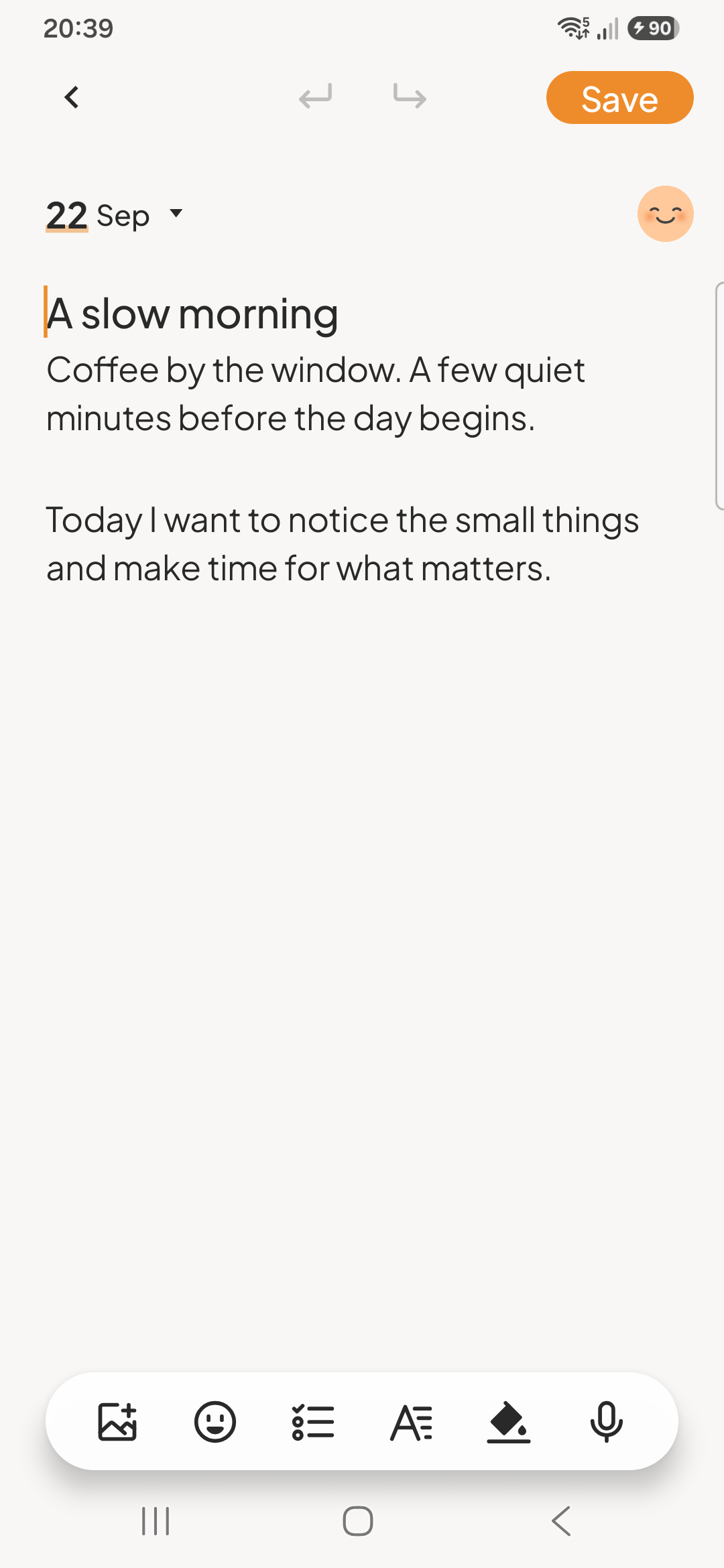
The upcoming Android journal brings rich-text entries, pictures and voice recordings together, with local drafts for writing you want to finish later.
Return to a memory
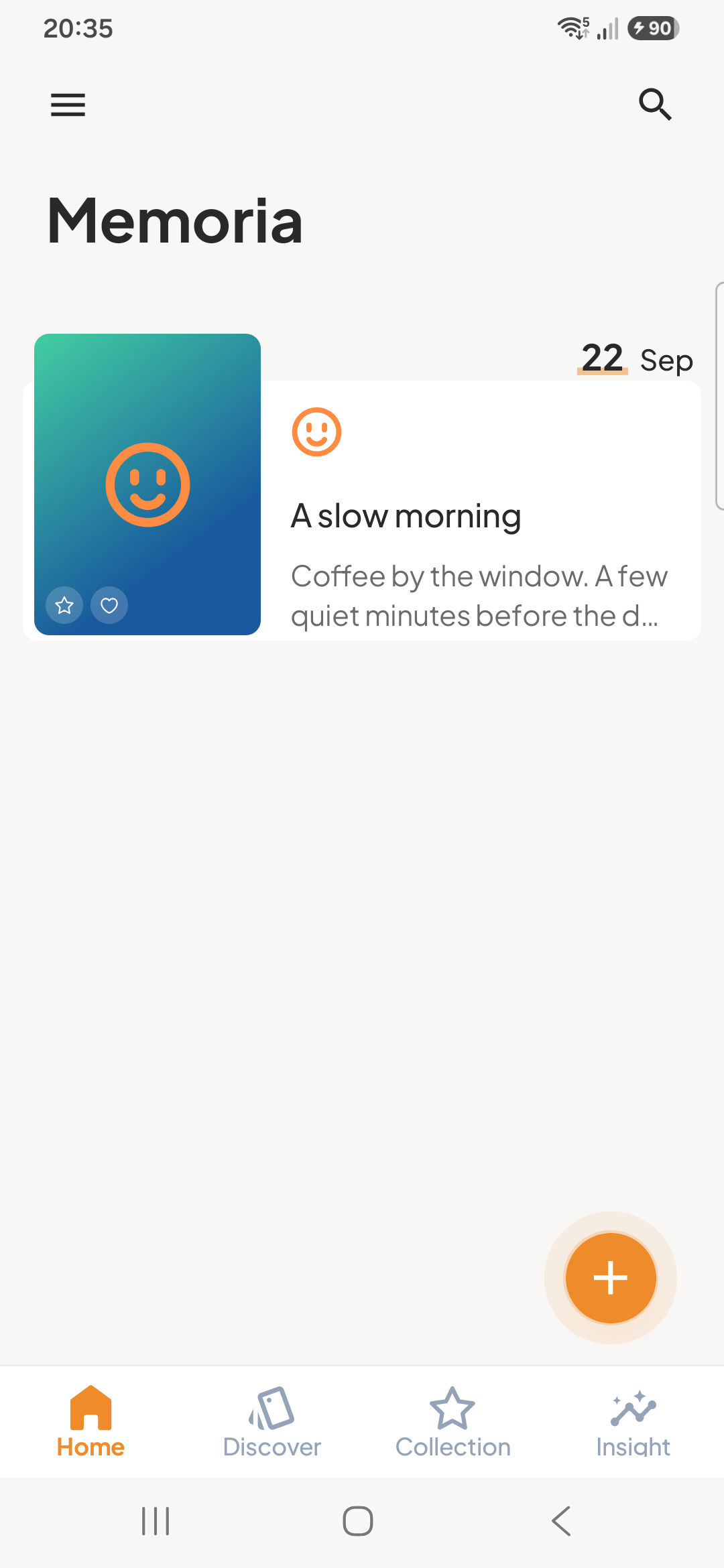
Search journal text and tags, organize entries, and recover deleted entries from Trash in the prepared Android experience.
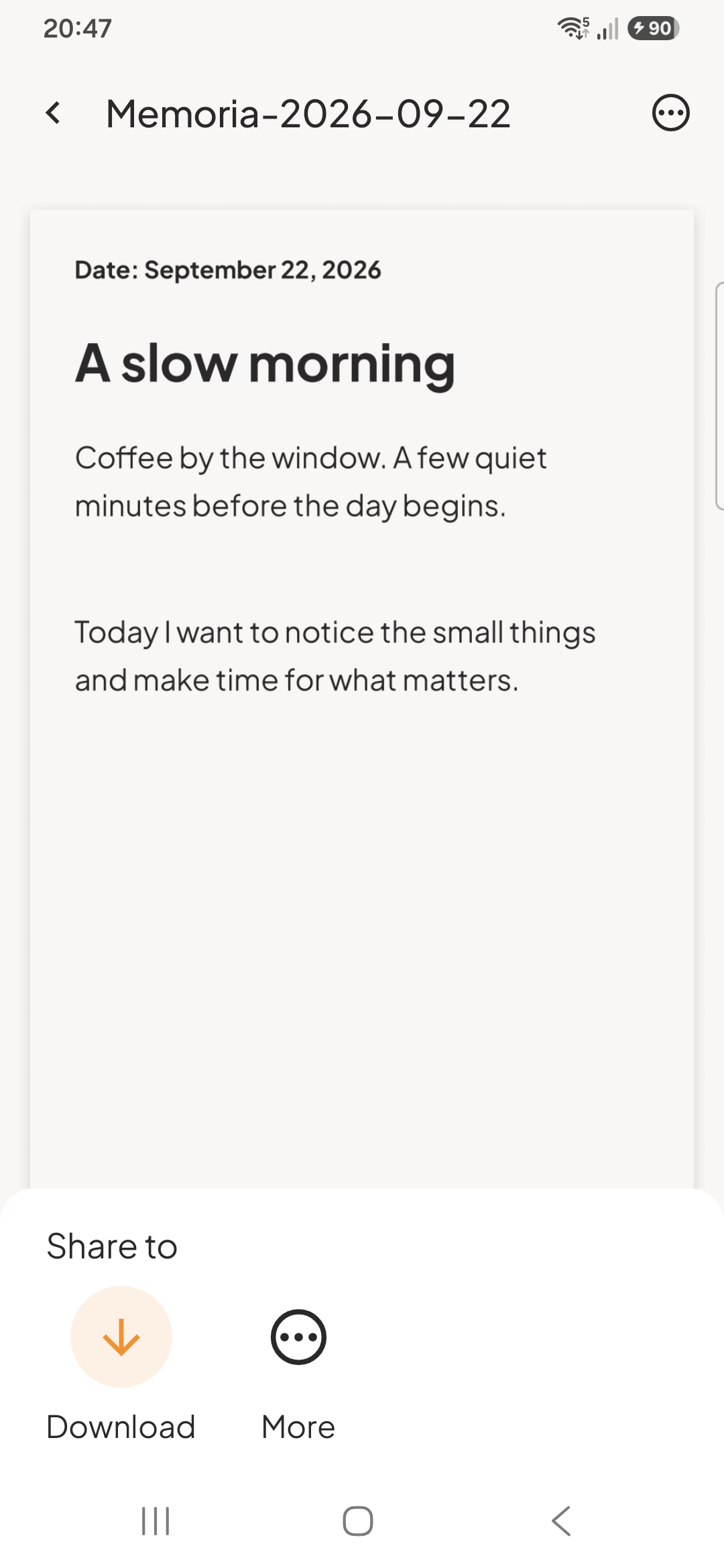
Share one entry in your own way
The Android app includes text, long-image and PDF sharing, plus one editable entry exchanged as a .memoria file.
Screenshots
Key features
Rich local journal
Write rich-text entries with pictures and voice recordings, stored on your device.
Drafts that stay private
Continue unfinished entries locally; drafts are never published to other users.
Search, tags, and Trash
Find full journal text and tags, organize entries, and restore recently deleted content.
Themes and insights
Choose included themes and review journal, collection, category, and mood statistics.
Diary Lock
Use a PIN, device biometrics, security questions, or optional email recovery to control in-app access.
One-entry export
Share text, a long image, or PDF, or exchange one editable entry as a .memoria file.
About the upcoming Android release
- Can I download Memoria for Android now?
- The Android release is in preparation and is not yet available to download. A Google Play link will appear on this page after the production listing is live.
- Where will the Android journal store my entries?
- Entries and their pictures and voice recordings are stored locally on your device. If Android system backup is enabled, it can copy journal data to your backup provider.
- Will the public Android release require sign-in or journal sync?
- The planned public release has no account sign-in or journal sync. It also has no subscriptions or purchases. These details describe the Android release in preparation.
- Can the Android app export an editable journal entry?
- The prepared app can share one editable entry as a .memoria file, as well as text, a long image or PDF. This is a single-entry exchange, not a full-library export.
- Does Diary Lock encrypt all of my journal files?
- No. Diary Lock controls access inside the Android app using a PIN or supported device biometrics, with security questions and optional email recovery. It does not encrypt the journal database, saved pictures or recordings; email recovery needs a network connection.
Legal — Memoria for Android
Product-specific legal documents, support, and data request information.
Memoria for Android is coming soon
We are preparing the Android release. A Google Play link will appear here only after the listing is live.