
Metronome - Tempo, BPM Counter
Precise tempo, smart beats.

Made for your practice
Find your tempo. Build your rhythm.
Metronome - Tempo, BPM Counter is an iOS practice app for musicians working on timing and rhythm. Set an adjustable tempo or tap a beat, choose time signatures, and practice with visual beat indicators, rhythm and speed trainers. Record a session, save tempo settings in setlists, and use the practice timer to structure your time.
Start at the tempo you need
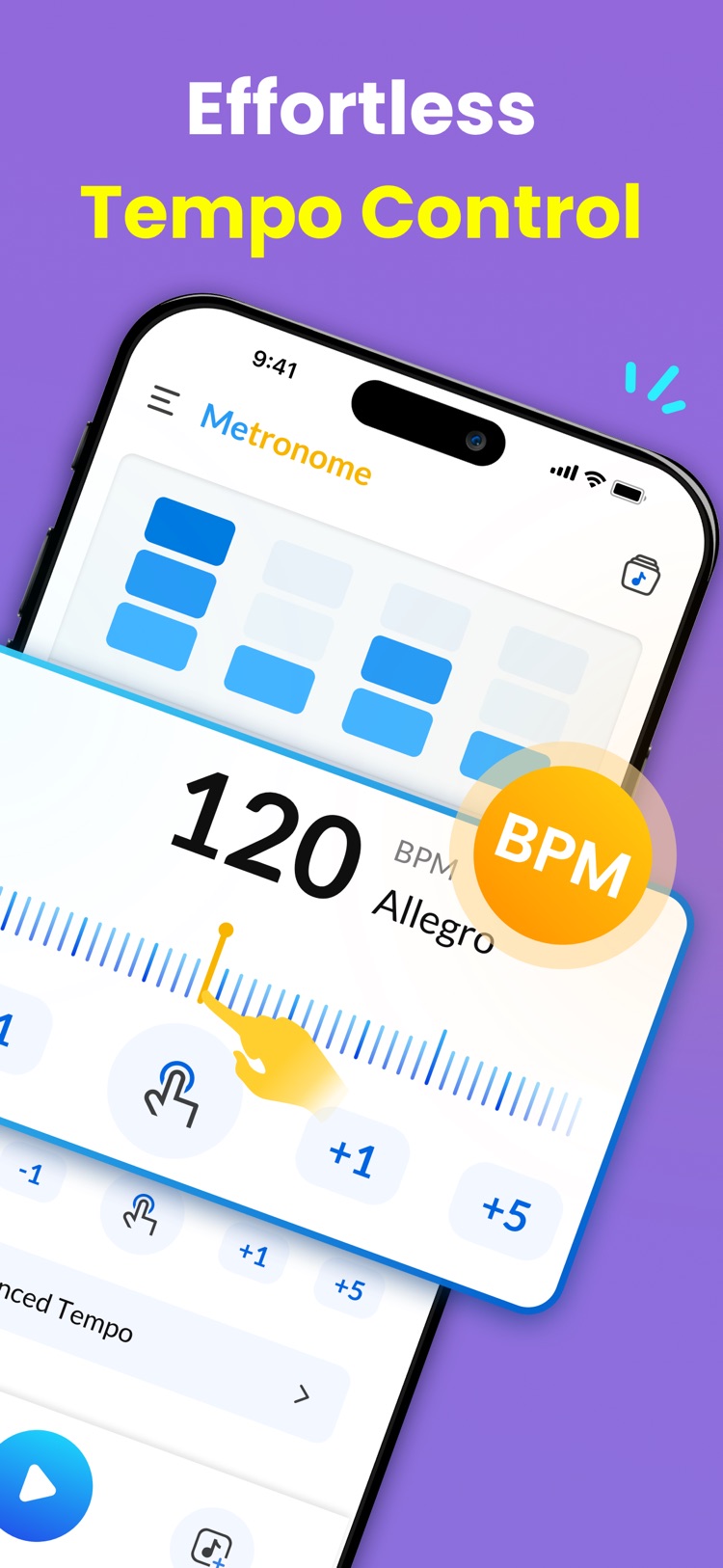
Adjust the tempo for your piece, or tap along to a beat. Set the time signature and subdivisions for the passage you are practicing.
Work through a difficult passage
Use the rhythm trainer to mute or emphasize beats and the speed trainer to change tempo gradually as you practice.
Give each session a structure
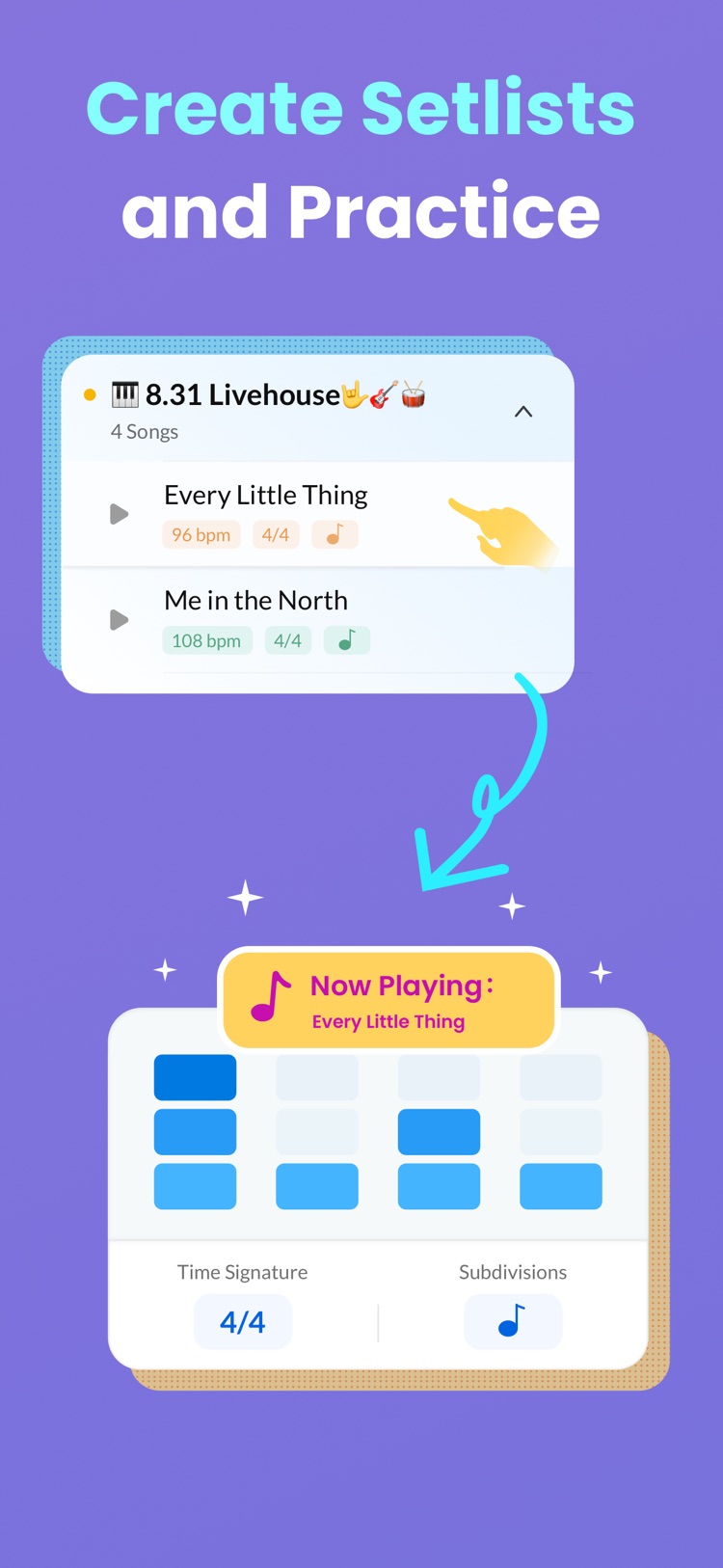
Keep tempo settings in setlists, manage practice time with countdowns and count-ins, and record a session to listen back.
Screenshots
Key features
Adjustable tempo
Easily modify the speed to match your practice requirements.
BPM counter
Measure beats per minute accurately for consistent timing.
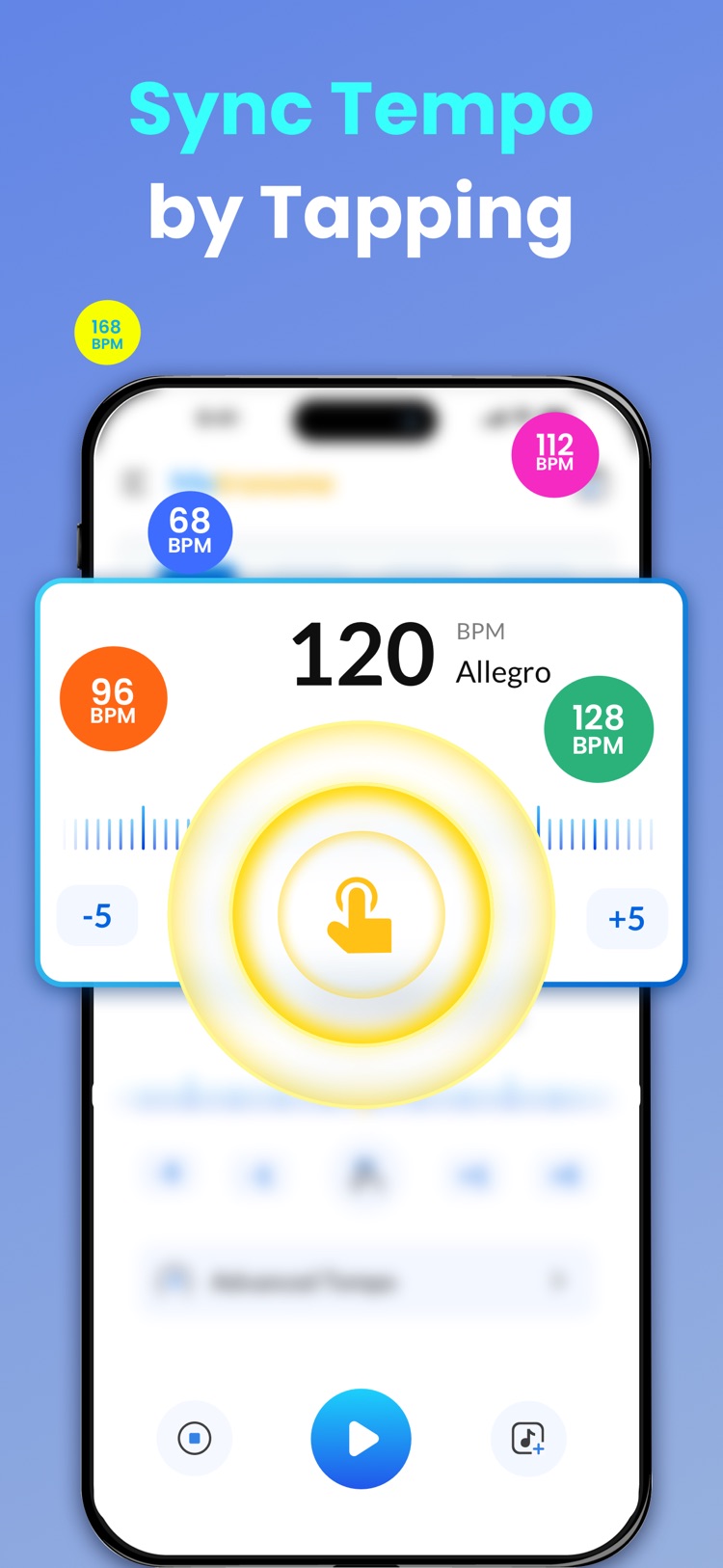
Tap tempo
Set the tempo by tapping the screen — quick and intuitive.
Custom time signatures
Tailor beats and subdivisions for any musical style.
Visual beat indicators
Follow flashing visuals to stay on track.
Rhythm trainer
Mute or emphasize beats to focus on tricky passages.
Speed trainer
Gradually adjust tempo to build precision and agility.
Music recorder
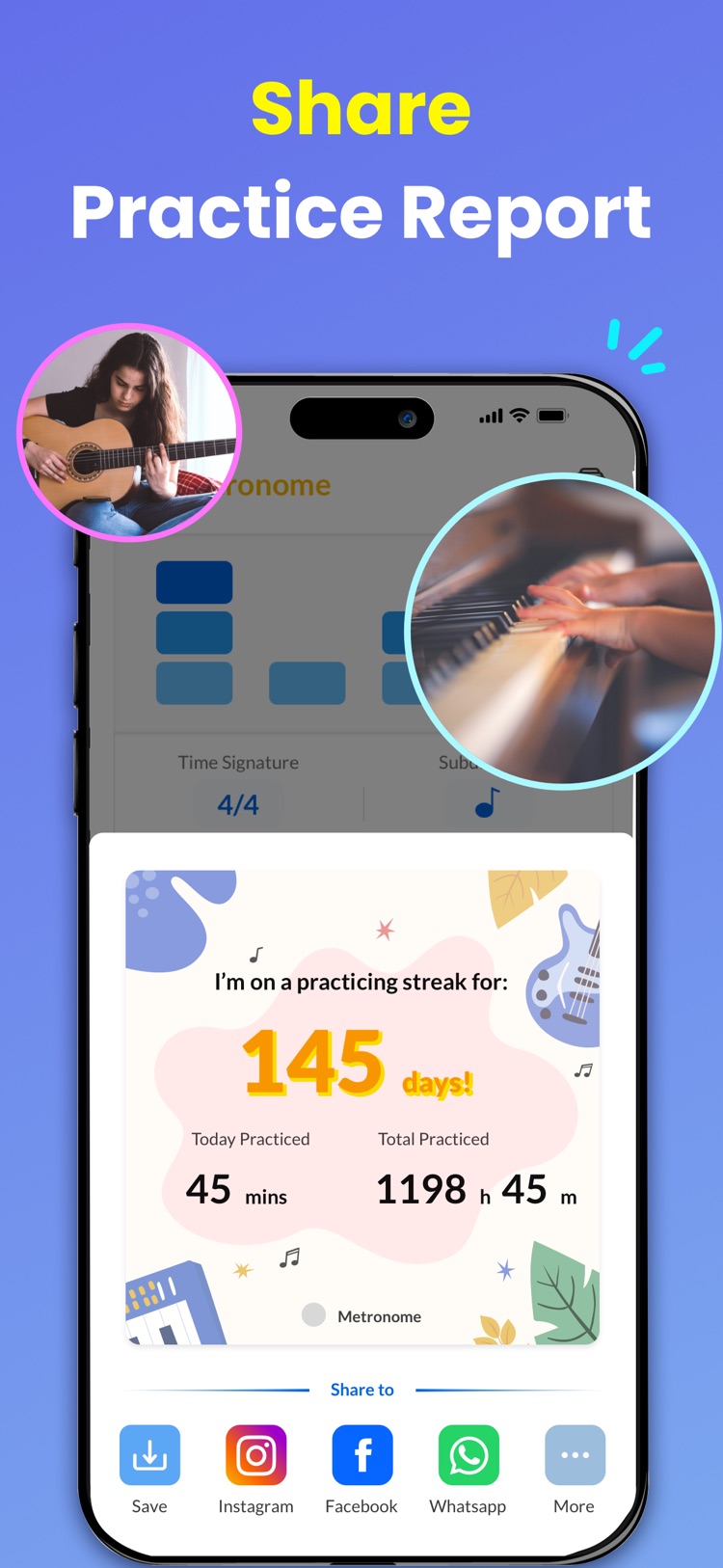
Record and play back your practice sessions to track progress.
Setlists
Save your favorite tempo settings for quick access.
Metro timer
Manage your practice time with countdowns and count-ins.
Before your next practice
- How do I set a tempo in the metronome?
- Adjust the tempo directly or use tap tempo to set it by tapping the screen. The BPM counter helps you work with beats per minute during practice.
- Can I change the time signature and subdivisions?
- Yes. Custom time signatures and subdivisions let you match the beat to your music, while visual beat indicators help you follow along.
- What do the rhythm and speed trainers do?
- The rhythm trainer lets you mute or emphasize beats to work on timing. The speed trainer gradually adjusts tempo so you can practice a passage at changing speeds.
- Can I save tempo settings and record my practice?
- Yes. Setlists keep tempo settings ready to revisit. The music recorder lets you record and play back practice sessions, and the metro timer provides countdowns and count-ins.
- Where can I get the iOS metronome?
- Use the App Store link on this page for Metronome - Tempo, BPM Counter. The listing has the current device compatibility and download details.
Legal — Metronome - Tempo, BPM Counter
Product-specific legal documents, support, and data request information.